Callouts
Working & Clearing the Scene
Secure suspects, search them, release victims, and set yourself available.
Once the threat is dealt with, a call isn't over until the scene is properly handled. Secure any suspects, look after the victims, call in any services you need, and, crucially, put your unit back in service so dispatch can send you the next job.
Securing Suspects
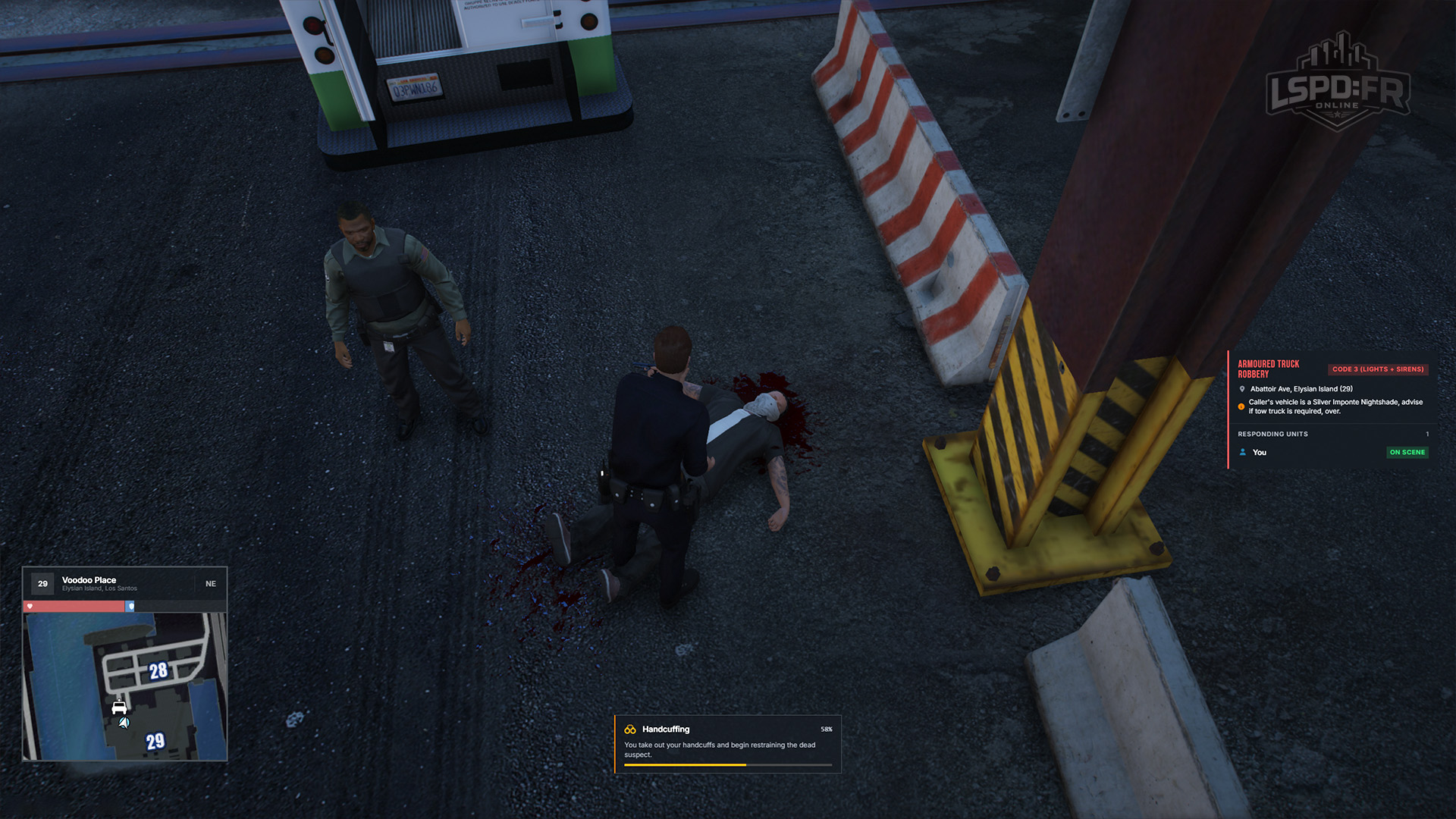
Make sure every suspect is handcuffed and secure — even if they're deceased. It's good practice to detain bodies at the scene so the situation stays under control while you work it.
Searching for Contraband
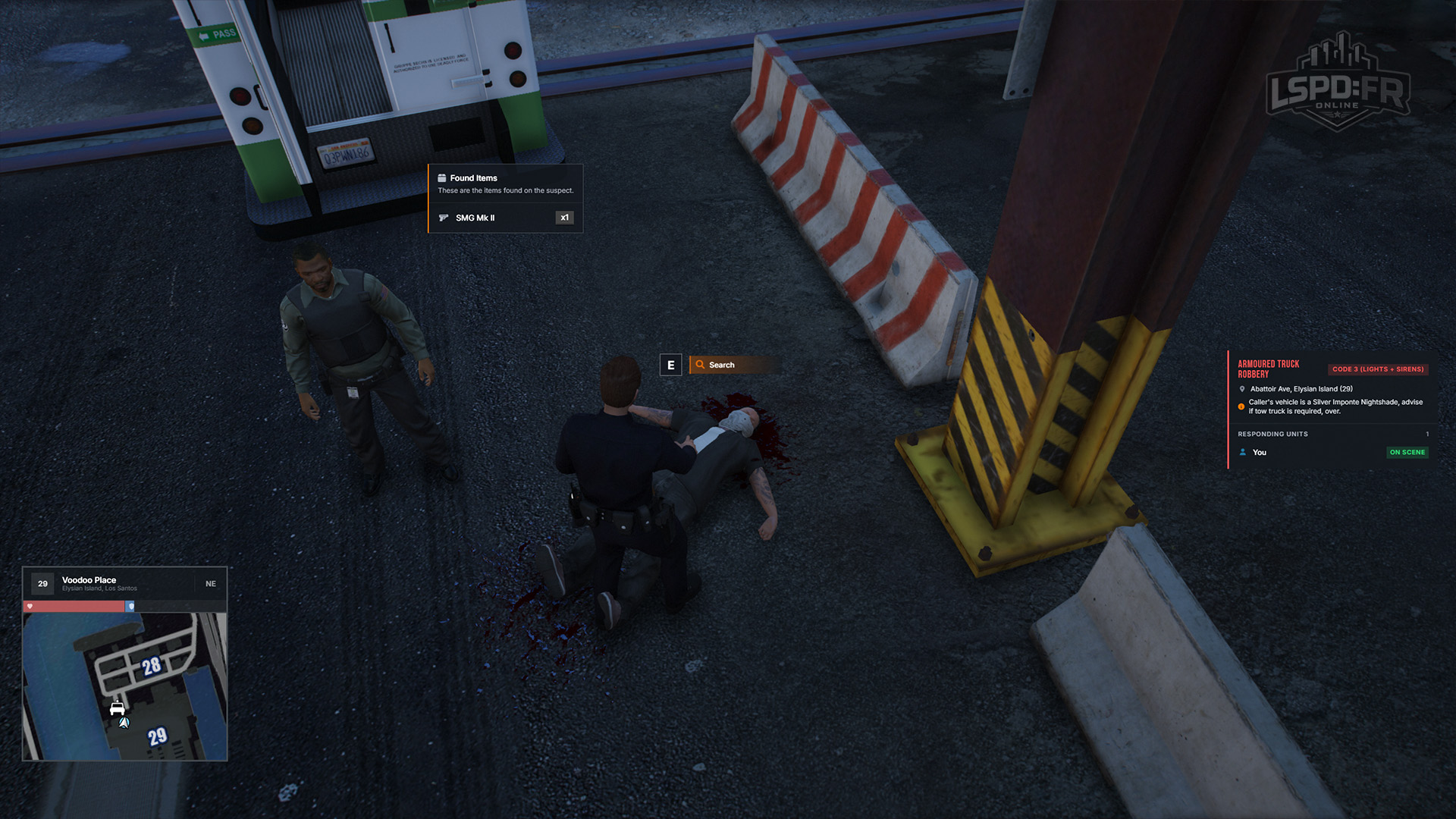
Search deceased suspects to find out what they were carrying, such as firearms, drugs, or evidence linked to the call. The search results highlight illegal items in red and items connected to the callout in yellow. See Investigating Suspects for more on searches.
Tending to Victims
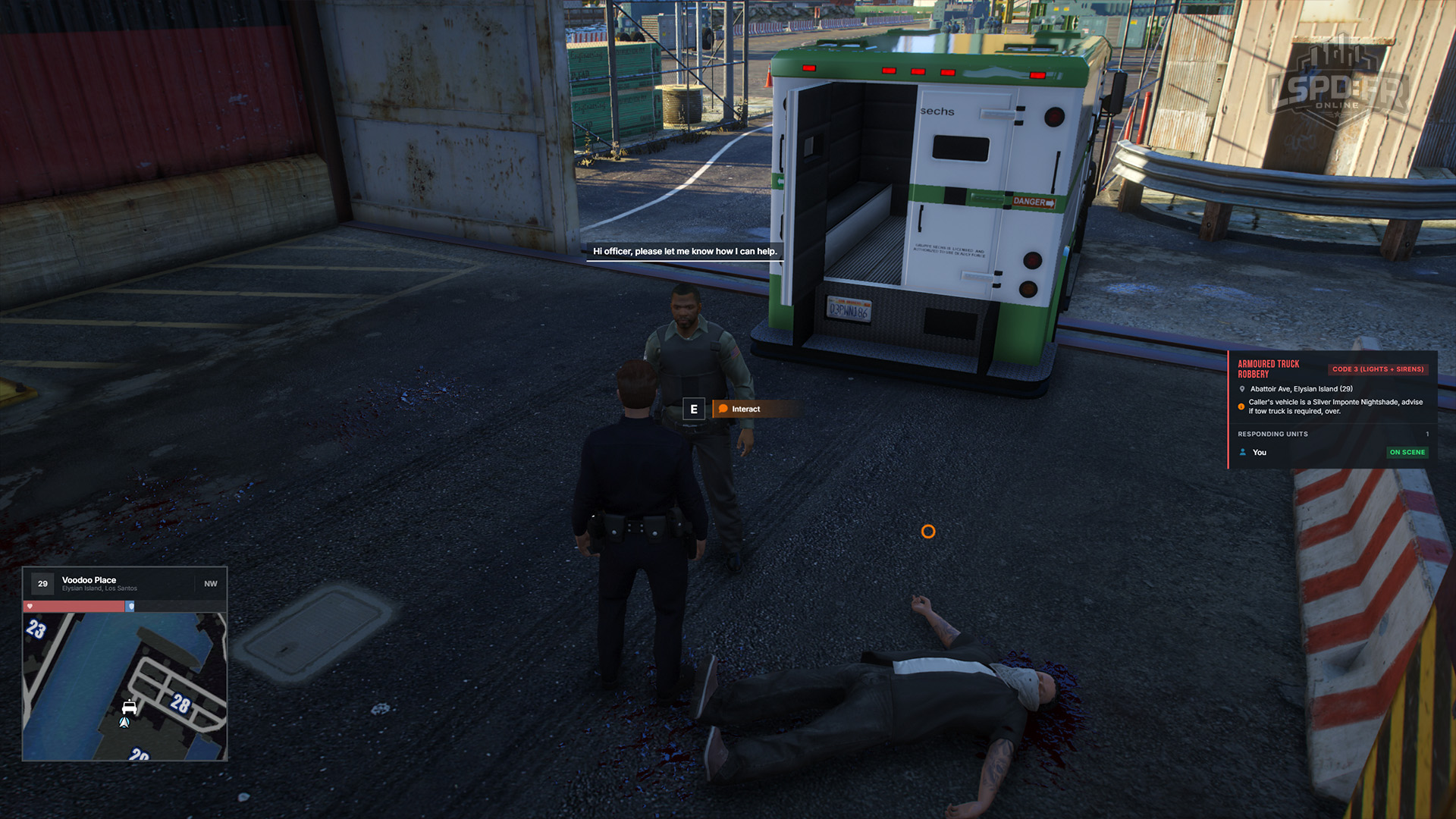
Don't forget the people you're there to help. Engage with any victims or civilians involved in the call, make sure they're okay, and release them so they can go about their day once their presence is no longer needed.
Calling in Services
Some scenes need more than an officer's touch: a casualty might need an ambulance, the deceased need a coroner, and abandoned vehicles need towing. Request an ambulance or coroner with the Dispatch button on the MDT, and call a tow truck by interacting with the vehicle itself. See Service Calls for each service. Stay on scene until any service you've called has finished its job.
Setting Yourself Available
Responding to a call sets your unit to Unavailable. Once you're done, open the MDT and set your unit's status back to Available in the Your Unit panel. You'll clear from the call shortly afterwards, and dispatch can start sending you new calls again.
If you need to leave a call before it's finished, select Detach on the call in the MDT to remove your unit from it.
