Interaction
Commanding Suspects
Order suspects to surrender, drop to their knees, and detain them in handcuffs.
When you encounter someone who needs to be brought under control, you can issue verbal commands to make them surrender, get down, and ultimately place them in handcuffs. How an AI responds depends on the situation — so read each encounter carefully.
Ordering a Surrender
Aim your weapon at a suspect and press E to order them to surrender. If they comply, they'll raise their hands above their head.
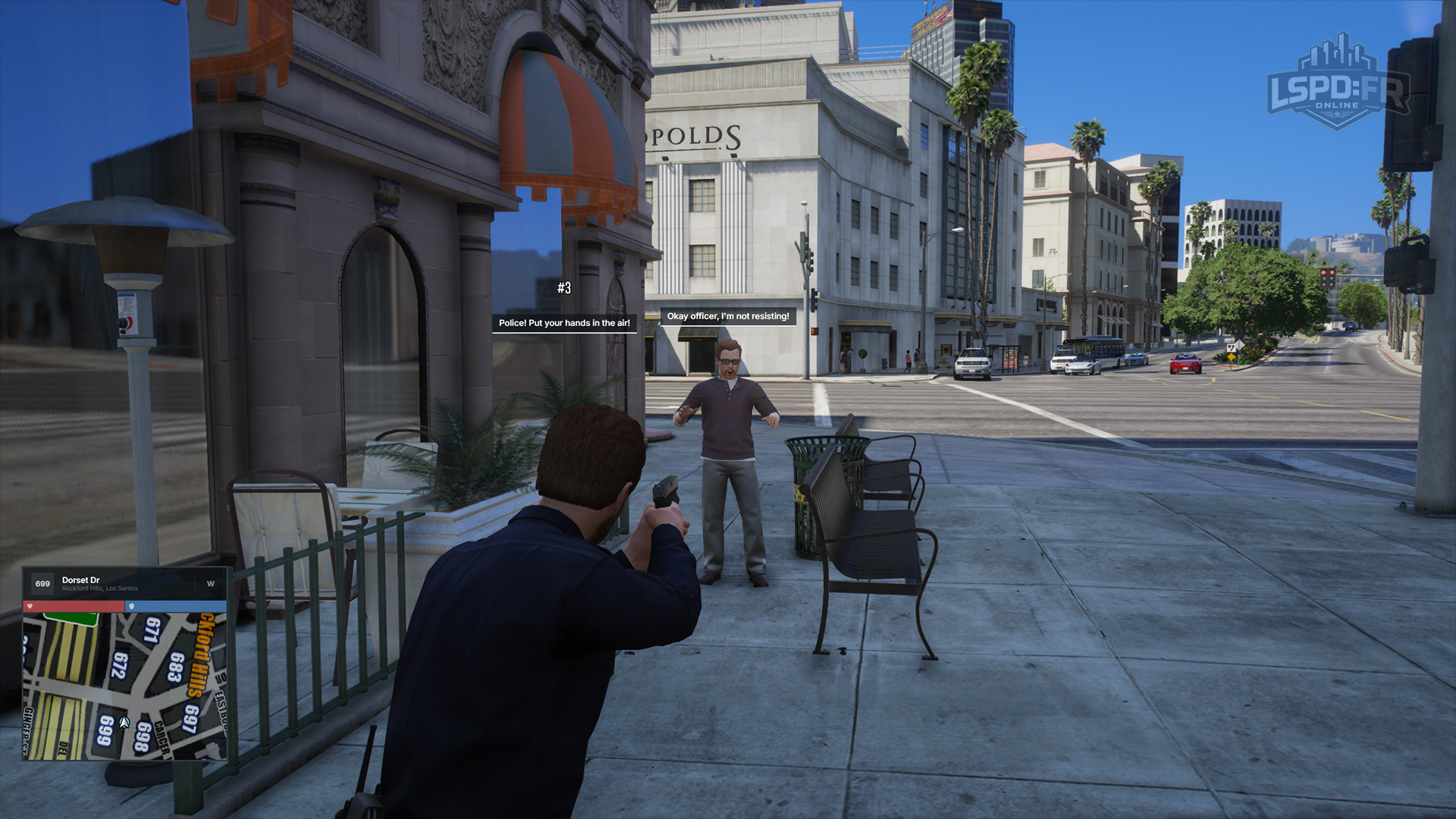
Taking Them to Their Knees
Once a suspect has their hands up, press E again while still aiming at them to order them further down onto their knees, keeping their hands clearly visible. This gives you better control of the situation before you move in to detain them.
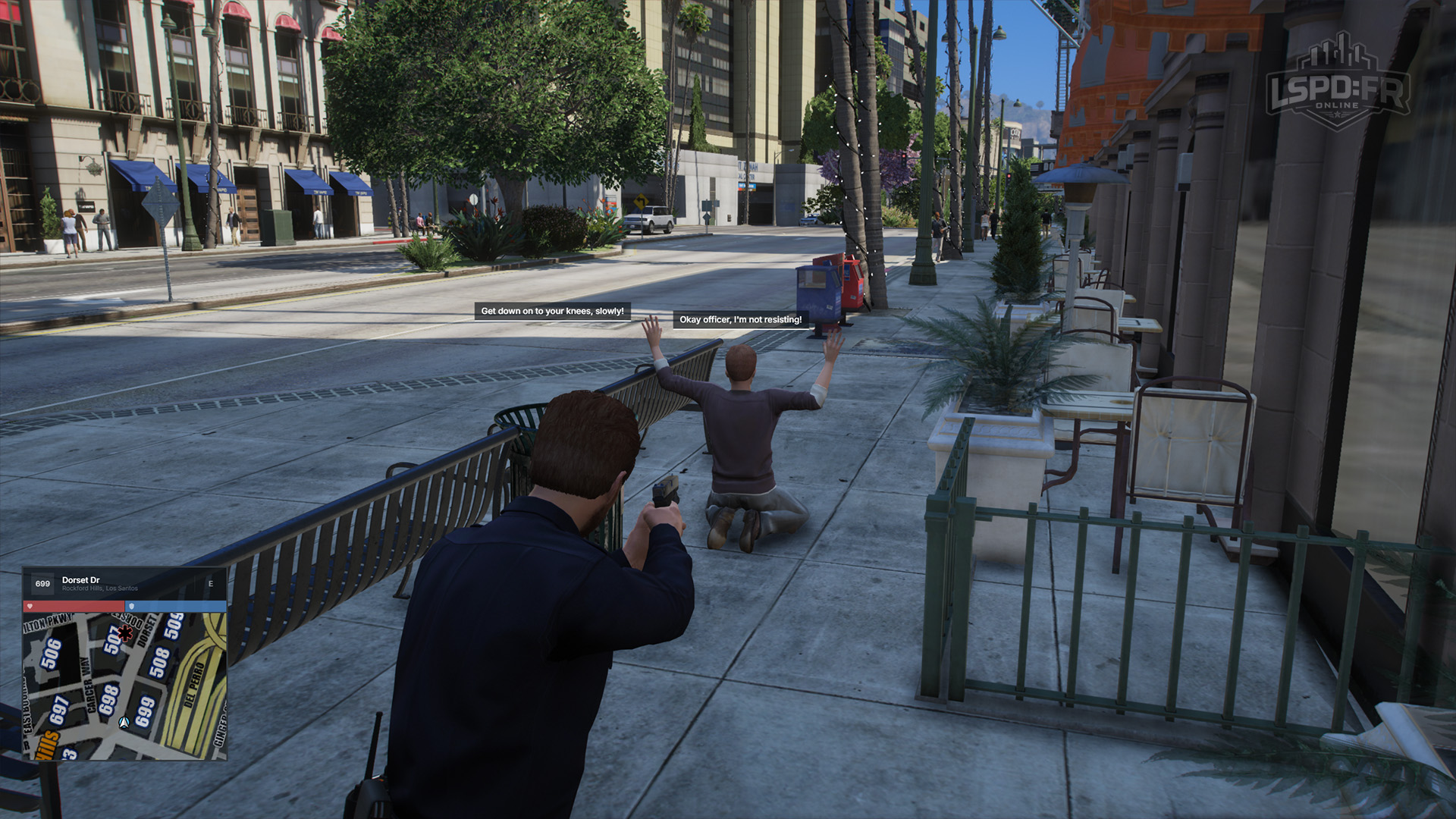
Handcuffing a Suspect
With a suspect surrendered, approach them and you'll be offered an interaction to place them in handcuffs. Once cuffed, they're detained and under your control — ready to be searched, escorted, or transported.
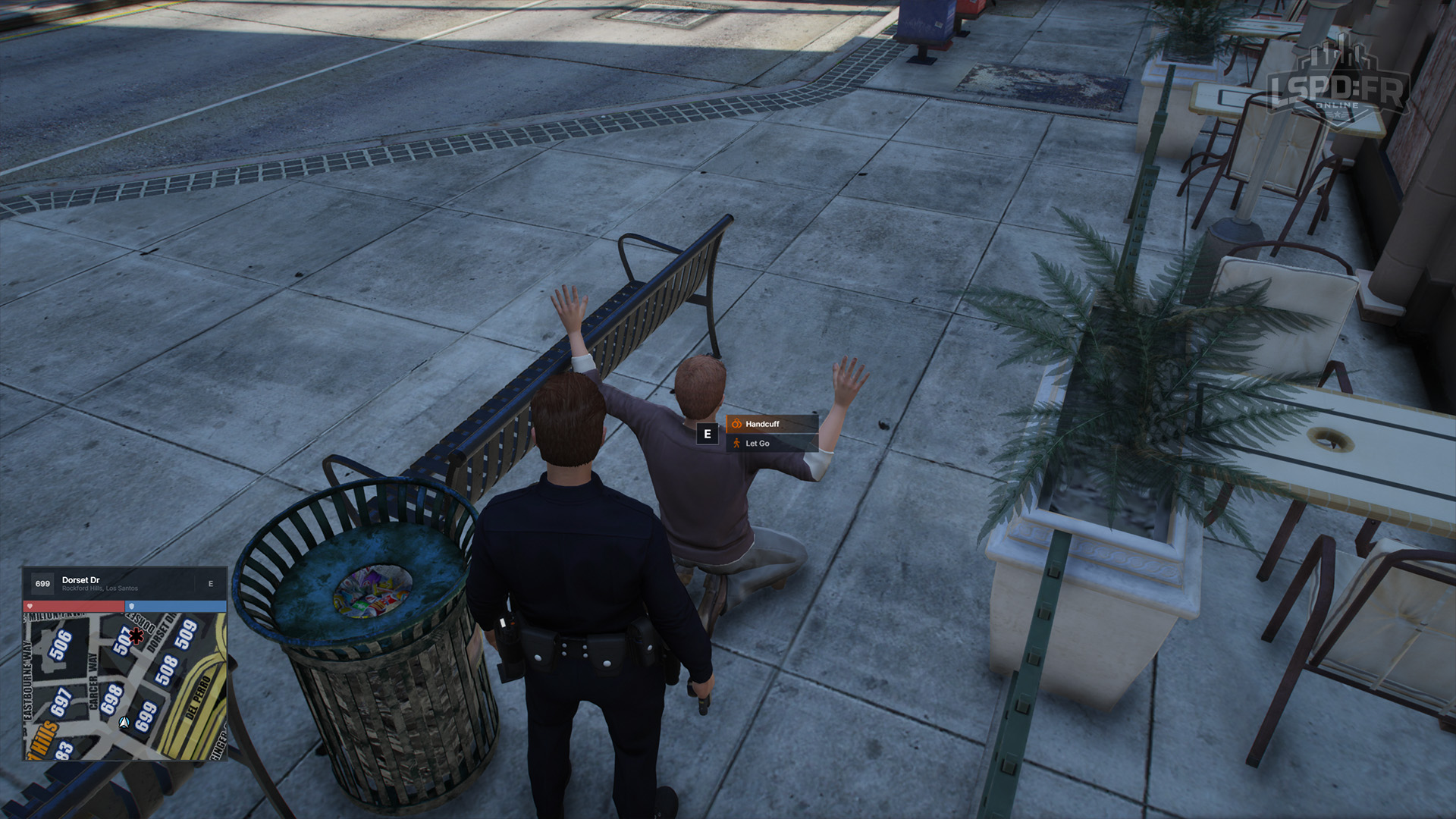
The same interaction lets you release a suspect if you decide they're free to go — handy when an investigation clears them or you're only issuing a warning.