Interaction
The Action Menu
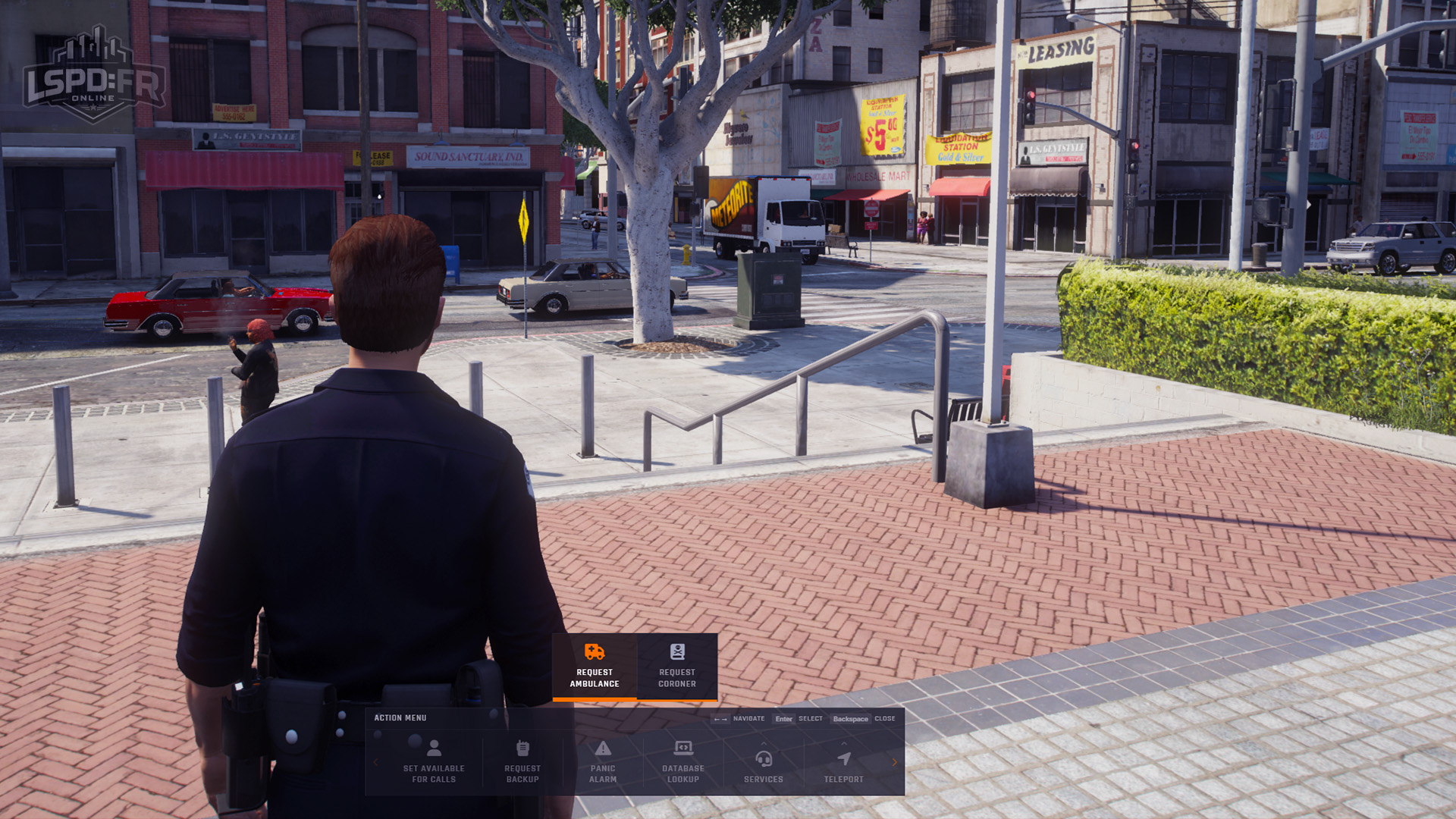
Open and navigate the Up Arrow Action Menu to trigger actions in just a few keystrokes.
The Action Menu is your central hub for triggering actions during gameplay — calling for backup, using your radio, requesting services, and more. It's designed to be fast and intuitive, so you can act in just a few keystrokes without ever touching your mouse.
Opening the Action Menu
Press the Up Arrow key to slide the Action Menu into view at the center-bottom of your screen.
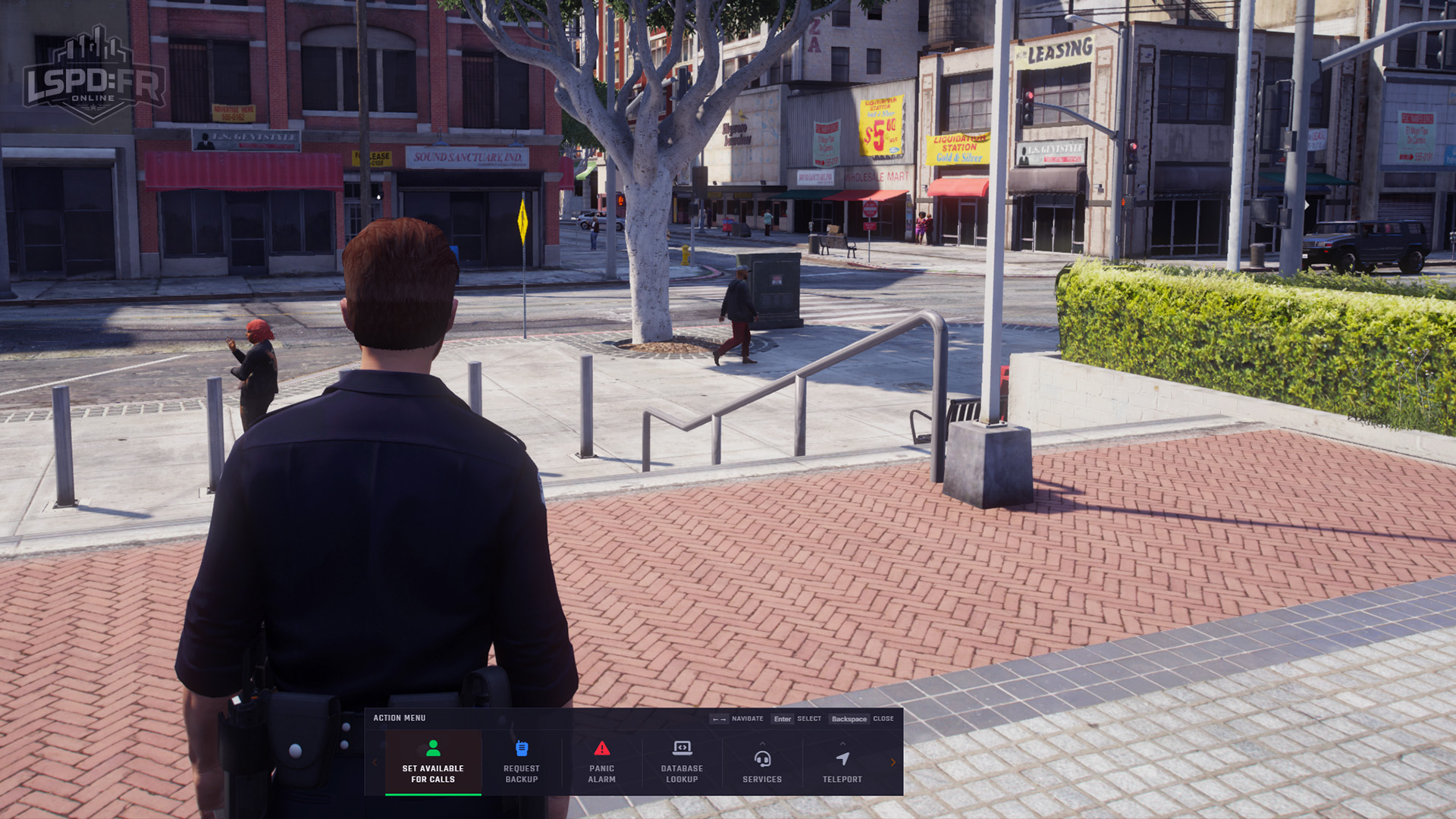
It works just like using a phone in single-player GTA:V — quick, familiar, and easy to use even while driving in a high-speed pursuit.
Navigating the Menu
Once open, navigate entirely with the arrow keys:
- Left Arrow / Right Arrow — move between options.
- Up Arrow — select an option or enter a submenu.
- Down Arrow — go back, or close the menu.
Because it's fully keyboard-driven, you can trigger actions like calling for backup in as few keystrokes as possible — no need to take your hand off the controls.
Submenus
Some options open into submenus that group related actions together. Navigate into them the same way, and back out with the Down Arrow.