Interaction
Investigating Suspects
Breathalyse, drug test, and search suspects and vehicles for illegal items and evidence.
Once you're interacting with a suspect, the Investigate menu lets you dig deeper into their condition and what they might be carrying. Use it to build a picture of whether someone is intoxicated, under the influence of drugs, or holding illegal items before you decide how to proceed.
The Investigate Menu
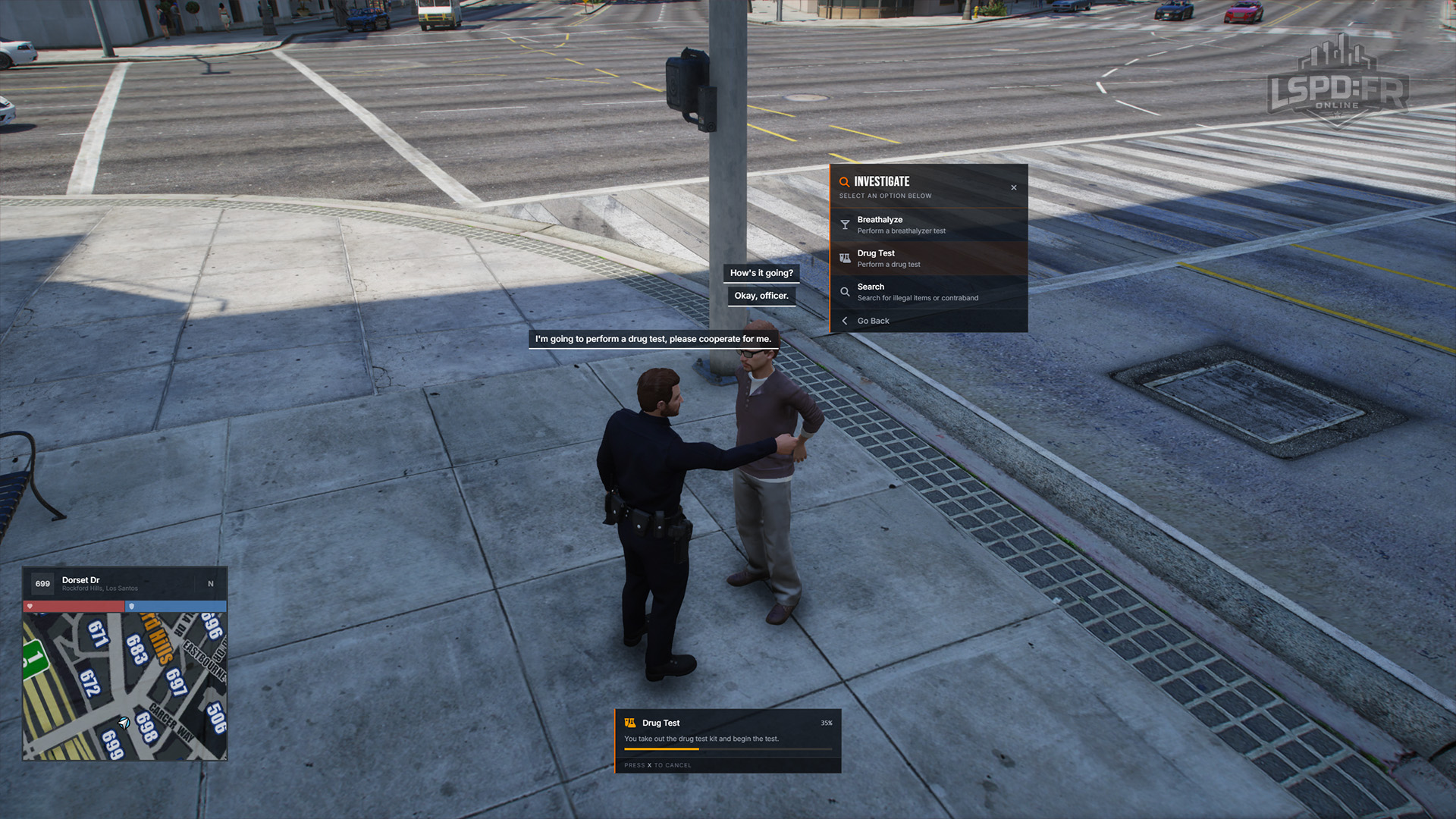
After interacting with a suspect, open the Investigate option to run further checks on them. From here you can carry out field tests to assess their state and search them for contraband.
Breathalyser Test
A breathalyser measures a suspect's Blood Alcohol Content (BAC), returning a result between 0.00% and 0.30%. The legal limit is 0.08% — at or above this level a civilian is considered intoxicated and should not be driving.
| BAC Result | What It Means |
|---|---|
| 0.00% – 0.07% | Under the legal limit. |
| 0.08% – 0.30% | Legally intoxicated — should not be operating a vehicle. |
Drug Test
A drug test returns a result between 0 and 75, measured in ng/mL. Unlike alcohol, there is no acceptable threshold here — any positive result is an offence.
Searching a Suspect
Select Investigate → Search to search a suspect for what they're carrying. Ask them to step out first if they're in a vehicle. A compliant suspect turns away and raises their hands while you search them, but an uncooperative one may fight or run instead. Deceased suspects can be searched directly with the Search interaction.
When the search is complete, the Search Results panel lists everything you found, with quantities such as grams, litres, or cash amounts:
- Illegal items are highlighted in red. Firearms are always highlighted, so check the person's firearms licence to decide whether they're carrying legally.
- Items of interest are highlighted in yellow: evidence that links the suspect to the call you're attending.

What someone carries depends on who they are. People under the influence are more likely to be carrying drugs or alcohol, and high-risk suspects are more likely to have criminal tools or stolen goods.
Searching a Vehicle
To search a vehicle, ask the driver with Investigate → Search Vehicle, or walk to the rear of any vehicle and use the Search Vehicle interaction. Vehicle searches use the same Search Results panel, and stolen vehicles are more likely to be carrying illegal items.